How to Track Bar Shrinkage and Stop Liquor Loss
By the Mojo Pour team · October 9, 2026 · 8 min read
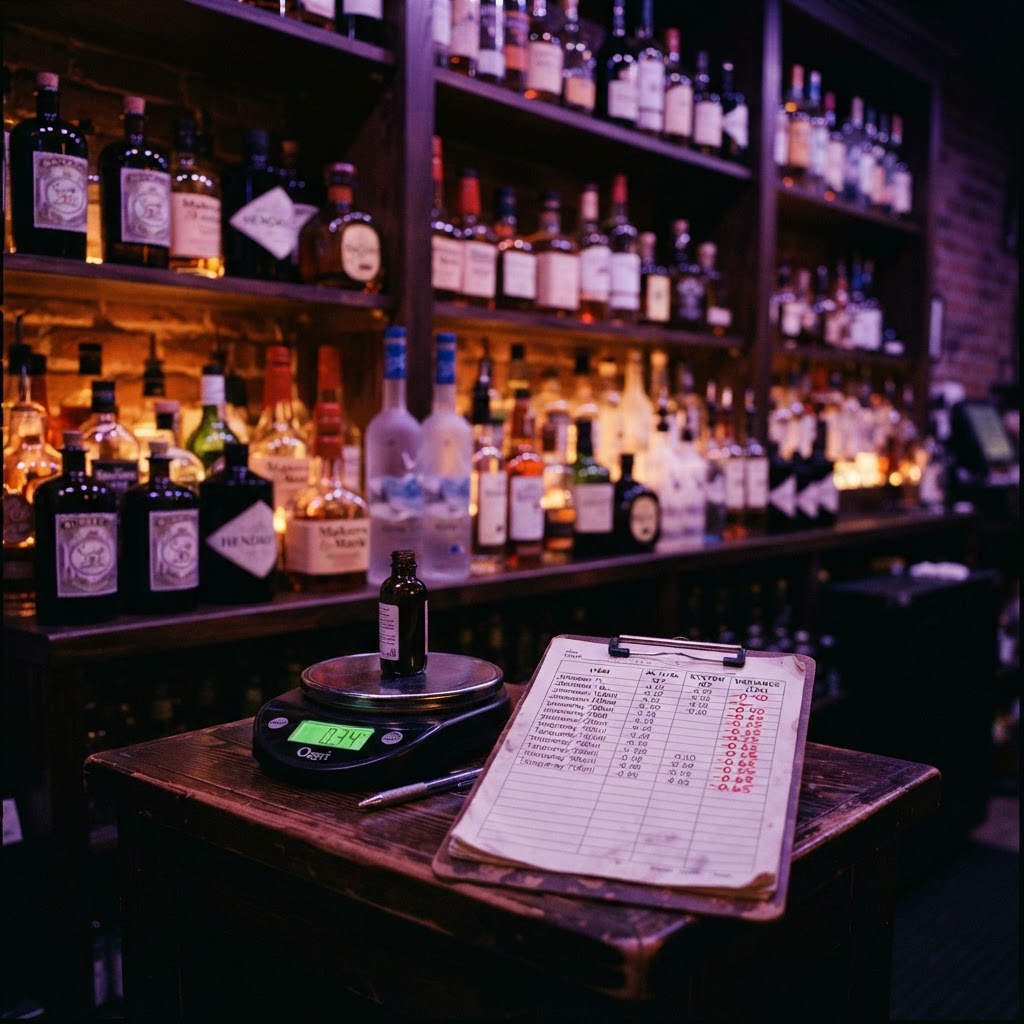
Shrinkage is the gap between the liquor your POS says you sold and the liquor that's actually missing from the shelf. It's the single most expensive number in a bar, because every missing ounce is pure margin walking out the door — and most owners never measure it.
What shrinkage actually is
Every bottle has a theoretical usage: the number of pours your POS recorded times the pour size. Your physical usage is what the bottle actually lost between two counts. The difference is variance, and when variance is negative (more liquor gone than the POS explains), that's shrinkage.
Theoretical usage comes from your POS: drinks sold × pour volume. Actual usage comes from weighing the bottles at the start and end of a cycle and converting weight to volume. If the POS says a bottle should be down 400 ml but your scale says it's down 520 ml, you've got 120 ml of unexplained shrinkage on that bottle alone.
Where the missing liquor goes
Shrinkage isn't always theft — but it's always money. The four usual culprits, in roughly descending order:
The weekly shrinkage routine
You can't catch shrinkage once a quarter — by then the loss is already baked in and the culprit is long gone. A weekly cycle is the cadence that turns shrinkage from a surprise into a metric.
- 1Open a count cycle. Same weekday, same time, before service. Mojo Pour can auto-create the cycle on a schedule so it never gets skipped.
- 2Weigh every bottle. Record the weight; the app subtracts the tare and converts to milliliters using the bottle's ABV-correct density.
- 3Pull POS usage for the week. For each bottle, multiply drinks sold by the menu pour size to get theoretical usage in ml.
- 4Compare. Theoretical minus actual. Anything beyond a 2–3% tolerance band on a bottle deserves a look — a single bottle bleeding 10%+ is a pattern, not noise.
Worked example
A 750 ml bourbon bottle started the week at 540 ml. POS says you sold 18 pours × 44 ml = 792 ml — impossible, the bottle only held 540 ml. That mismatch means either the starting count was wrong or pours are running heavy. The scale catches it: end-of-week weight shows 60 ml left, so actual usage = 480 ml. Against a corrected theoretical of ~440 ml, that's 40 ml of shrinkage (9%) — time to watch that well.
Turning variance into action
A shrinkage number only helps if you act on it. Flag any bottle over your tolerance for a week, then investigate: watch the pour, check the POS buttons match the menu specs, and re-weigh mid-week if the loss is big enough to matter. Over a few cycles, patterns emerge — a specific shift, a specific bottle, a specific station — and the fix becomes obvious instead of a witch hunt.
Catch shrinkage before it catches you.
Mojo Pour weighs your bottles weekly, computes real usage against your POS, and shows you exactly which bottles are bleeding — so shrinkage becomes a number you manage, not a loss you accept.
Get started